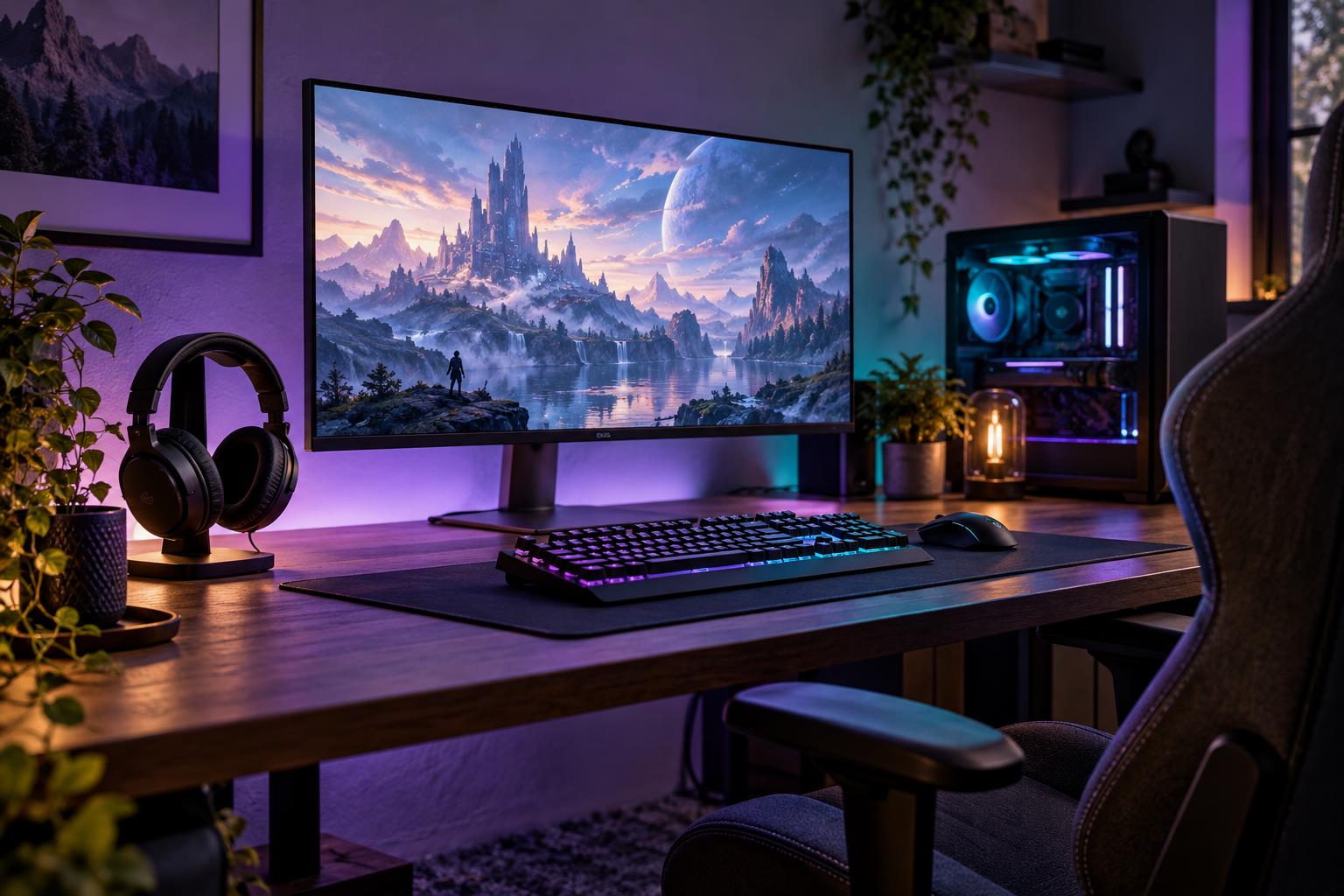
Gaming Gear Upgrades: Find the Bottleneck Before Buying

Consumer explainer | Gaming & Esports
A gear upgrade is most useful when it solves a problem you can describe. Before buying, identify whether the issue is comfort, control, sound, display performance, or the computer's ability to run the games you play.
Our suggested process starts with a short record of the problem and the conditions in which it occurs. Test settings and positioning before spending. Check the manufacturer's specifications for compatibility instead of assuming a gaming label means the product fits your setup.
If a shared household setup is involved, review the platform's account arrangements as well. Steam's official Families guide is one reference for its own system; hardware purchases and account-sharing permissions are separate decisions.
Compare return conditions, warranty support, and any required accessories alongside the price. Avoid upgrading several components at once if you cannot tell which change matters. The aim is to improve your actual experience, not to reproduce a sponsored setup or assume new equipment guarantees better competitive results.
Investigate the problem before choosing hardware
A disappointing gaming experience may come from settings, network conditions, software, or a particular component. Describe the symptom and when it occurs before shopping. Change one controllable setting at a time so a comparison gives you useful evidence rather than several simultaneous guesses.
A practical next step
Check compatibility, available space, and support requirements for an upgrade. Include accessories or installation costs you would need. Keep expectations tied to the problem you identified, and seek reliable technical guidance when a change involves equipment or work you do not understand.
Before making the decision, use the following points to identify missing information. Record an answer or a follow-up question for each one rather than treating an unknown detail as settled.
- Specific symptom and existing setup.
- One-variable troubleshooting.
- Compatibility and total upgrade cost.
- Evidence matching your workload.
What if an upgrade review shows impressive results?
Compare the review’s setup and workload with your own. A result from different equipment may not predict your experience. Prefer evidence relevant to your actual bottleneck, and choose a change only after checking compatibility and whether a simpler adjustment would address the issue.
Keep the decision in context
Tie the purchase or practice decision to your own use, available time, and budget. A large catalog, rare item, or impressive benchmark does not tell you whether the change addresses your needs. Keep account access and game rules in view. Review the choice after a realistic trial instead of continuing only because you have already invested time or money.
Source: Steam Families official user guide.